
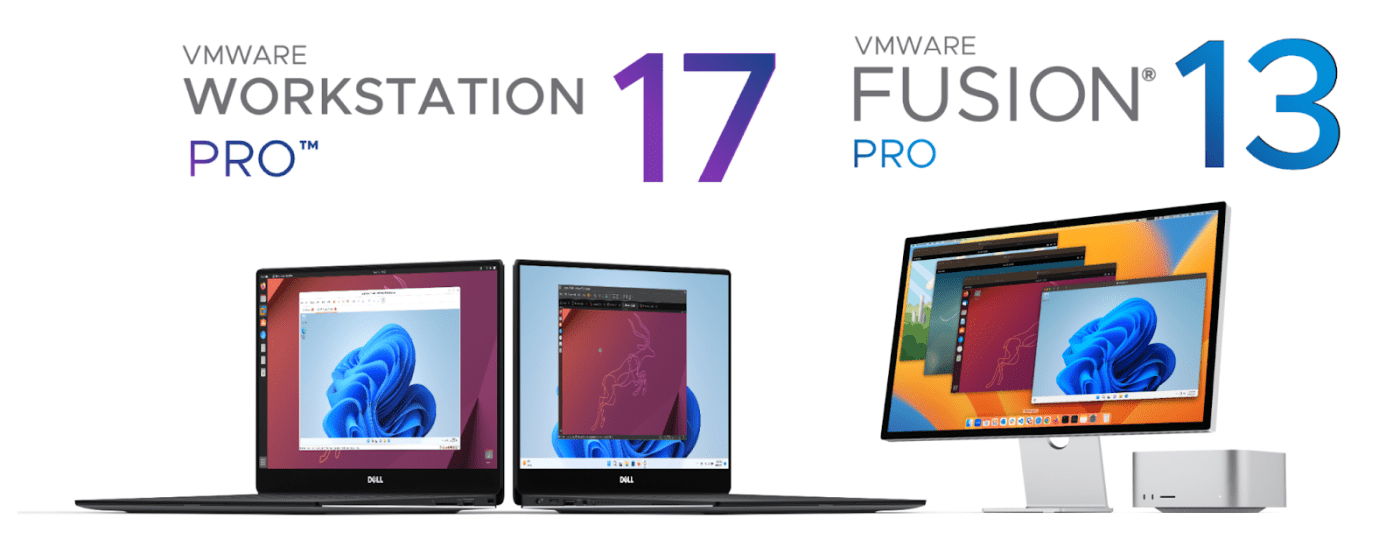
Groundbreaking move for the virtualization community and home lab enthusiasts, VMware by Broadcom has announced that its premier desktop hypervisor products, VMware Workstation 17 Pro and VMware Fusion 13 Pro, are now available for free personal use. Previously, these powerful tools were only accessible through a paid license, but this change marks a significant shift in VMware’s by Broadcom licensing strategy.
Integration with Broadcom and Licensing Changes
As VMware completes its integration with Broadcom, the company has streamlined its product lineup and revised the licensing model for its desktop hypervisor applications. From now on, VMware by Broadcom will offer two distinct license models for Fusion Pro and Workstation Pro:
- Free Personal Use License: Individuals who want to set up a virtual lab on their Mac, Windows, or Linux machines can now do so at no cost. This license is perfect for everyday users and hobbyists who are interested in experimenting with virtualization technologies without incurring any expenses. All that’s required is a simple registration and download from the new portal at support.broadcom.com.
- Paid Commercial Use License: For businesses and users who need these tools for commercial purposes, VMware has introduced a simplified commercial subscription model. This new structure consolidates the previous 40+ SKUs into a single SKU (VCF-DH-PRO), making the purchasing process more straightforward. The commercial subscription can be obtained from any Broadcom Advantage partner, ensuring easier access and management.
What This Means for Users
This change is a significant both for virtualization enthusiasts and home lab users. By offering a free personal use license, VMware by Broadcom is making its powerful virtualization tools more accessible to a wider audience. Users can now create and manage virtual environments on their personal computers without worrying about licensing costs, which is especially beneficial for students, developers, and IT professionals looking to enhance their skills.
How to Get Started
To take advantage of the free personal use license, users need to register and download the latest build of VMware Workstation 17 Pro or Fusion 13 Pro from the Broadcom support portal support.broadcom.com. This straightforward process ensures that anyone can quickly set up and start using these tools.
Conclusion
VMware’s by Broadcom decision to offer Workstation 17 Pro and Fusion 13 Pro for free personal use is a game-changer for the virtualization community. It not only allows access to high-quality virtualization software but also supports a broader range of users in their learning and development endeavors. Whether you’re a home lab enthusiast, a student, or a professional looking to hone your skills, this new licensing model opens up exciting possibilities for exploring and utilizing virtualization technologies.
Don’t miss out on this opportunity to leverage VMware’s by Broadcom powerful tools for your personal projects – register today and start building your virtual lab!

 vmcloud.pl
Leave a comment