
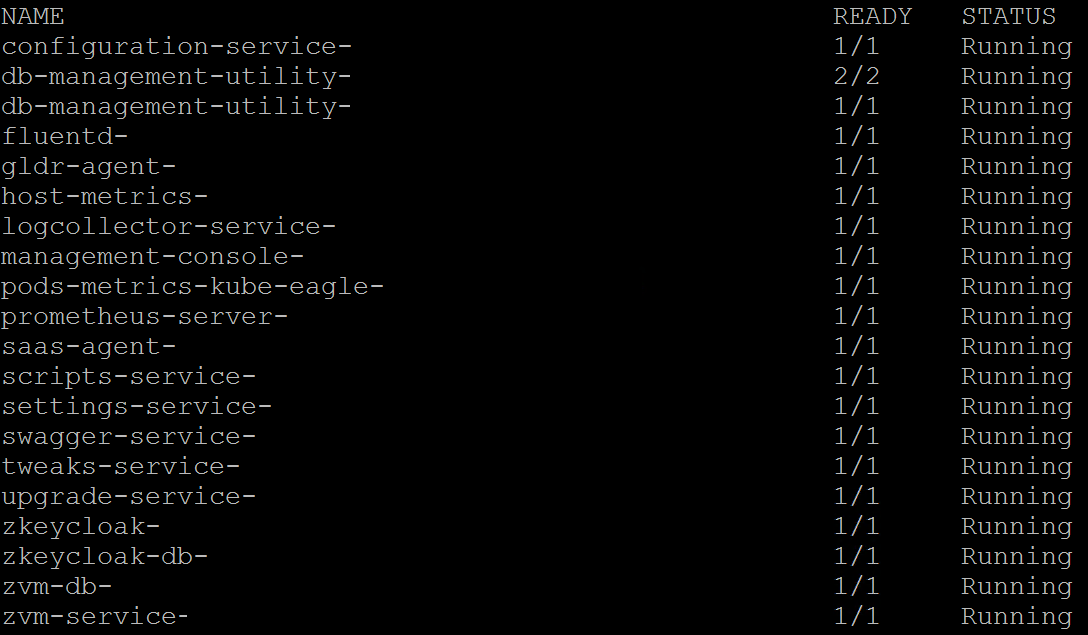
In Zerto 9.7 on Windows Server, checking the services status was fairly easy for everyone. Howerver, since Zerto 10 is available only as an Appliance, this is not that obvious and not everyone knows how to do that as there is no official documentation for this. It is worth to know how to verify services status that are running on the Appliance especially when you rebooted the Appliance and would like to know if it is up and running yet. This is also very usable during every upgrade or maintenance to verify if everything works fine.
Checking Services Status
1. Connect to the Zerto 10 Appliance by SSH or vCenter Web Console. When using SSH make sure you have it enabled on the Appliance.
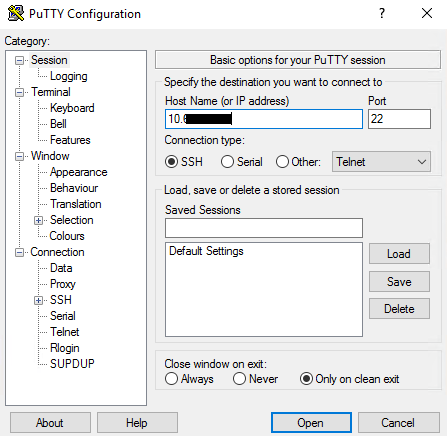
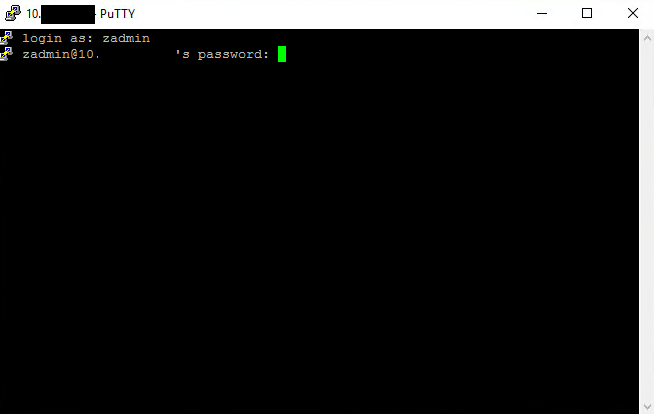
2. Login with zadmin credentials.
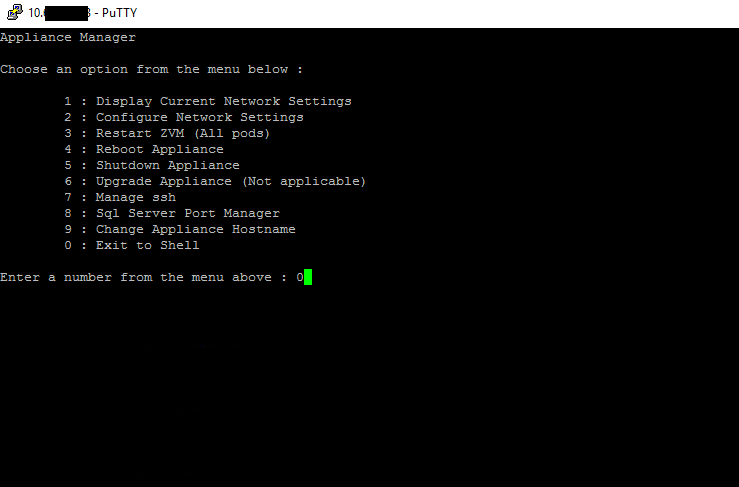
3. In Appliance Manager hit 0 and then hit Enter couple times until you are in Shell. You can also hit Ctrl+C.
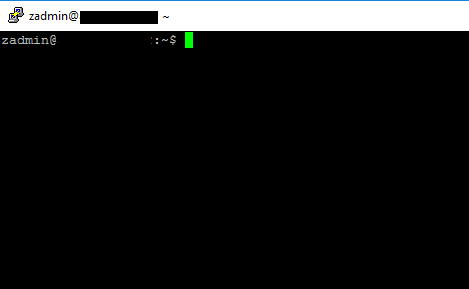
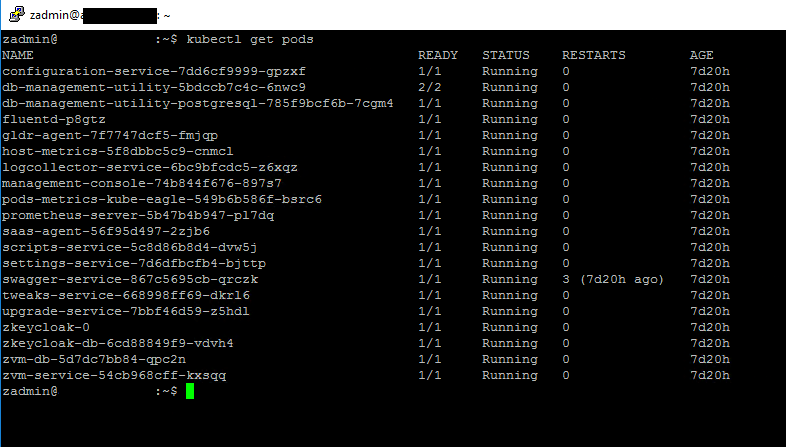
4. Type the following command and hit Enter to verify the services status:
kubectl get pods

 vmcloud.pl