Upgrading Zerto 10 is essential to ensure you’re benefiting from the latest features, bug fixes, and performance improvements. While many users opt for online upgrades, there are scenarios where an offline upgrade using an offline bundle is more practical, such as in environments without direct internet access or stringent network security requirements. This guide will walk you through the process of upgrading Zerto 10 using an offline bundle.
Prerequisites
Before you begin, ensure you have the following:
Zerto 10 Offline Installation Bundle
Download this from the Zerto support portal on a machine that has internet access. Make sure you have the correct version for your environment.
Make sure to use n+1 version, for example if you have Zerto 10U2 and would like 10U5, first you need to upgrade to 10U4 and then to 10U5.

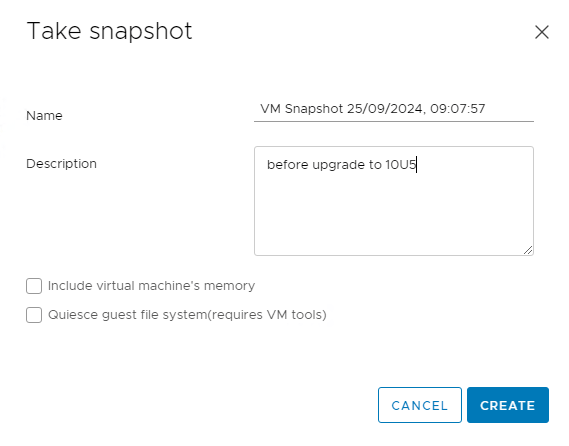
Snapshot
Always back up your Zerto Virtual Manager (ZVM) configuration before upgrading.

Enable SSH
1. In your vCenter open Web Console and login to your Zerto 10 Appliance with zadmin account.


2. In Appliance manager select option 7.
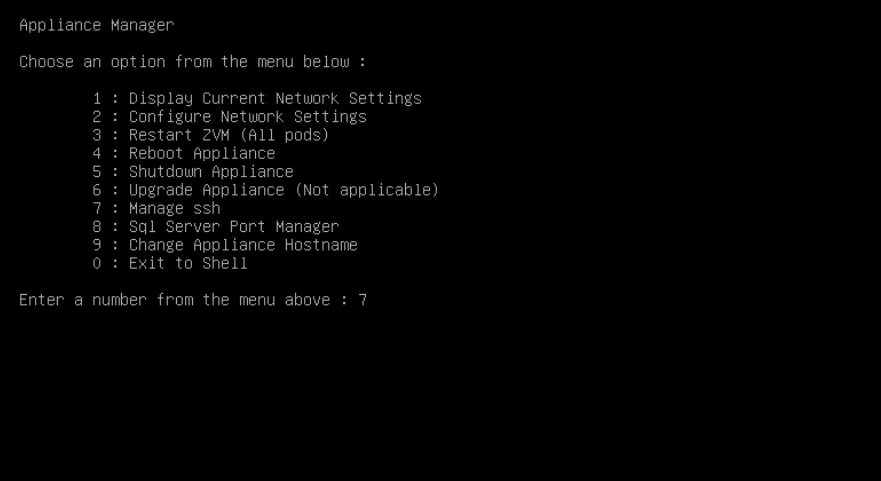
3. Make sure SSH is enabled. If it is disabled, type y and hit Enter.

Administrative Rights
Ensure you have administrative access to Zerto management console and to Zerto appliance with zadmin.
Maintenance Window
Upgrade process requires downtime and stops the replication, so schedule accordingly.
Uploading bundle to the Appliance
1. Open WinScp and login to your Zerto 10 Appliance.

2. In the Appliance navigate to:
/var/log/zerto/upgrade-files/
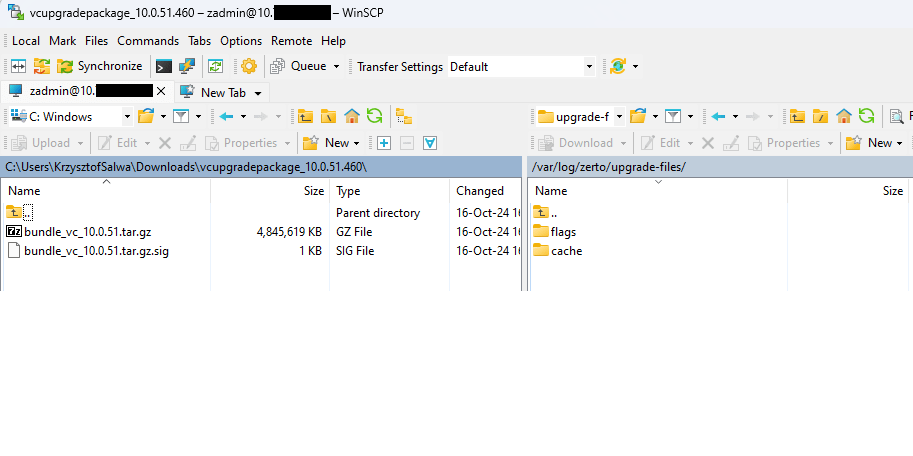
3. Unzip upgrade package and transfer two bundle files tar.gz and tar.gz.sig

4. Once the transfer is finished, reboot the Appliance either by vCenter or by Putty.
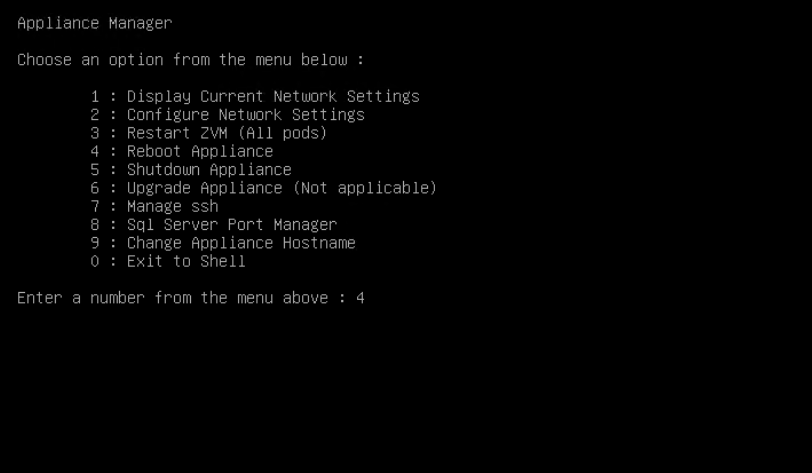
Make sure all the services are up and running after reboot.
Upgrading Zerto 10
1. Login to Zerto 10 Management Console with admin account
https://YOUR_ZVM_IP/management
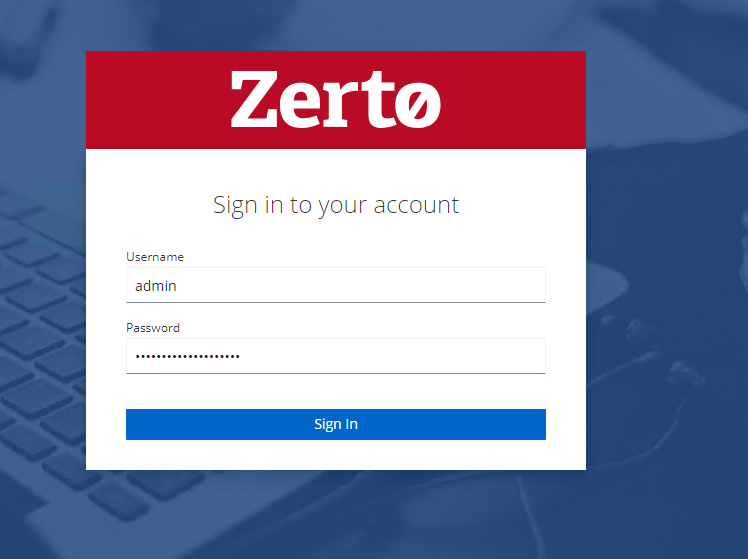
2. Go to Appliance Upgrade section and click Upgrade.
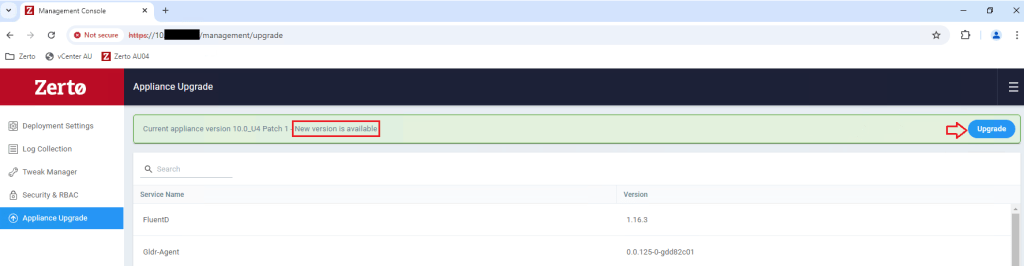
3. Select version, deselect Auto-upgrade VRAs and click Upgrade.
Auto-upgrade VRAs is not recommended in case if you need to revert ZVM from snapshot. Once the upgrade is completed and everything works fine, you can upgrade VRAs manually.



 vmcloud.pl
Leave a comment