With the release of Zerto 10, Keycloak has become the integrated identity and access management (IAM) solution, helping to manage and authenticate users securely. When integrating Zerto 10 with Active Directory (AD) using LDAPS (LDAP over SSL), a certificate is essential to establish secure connections. LDAPS requires a trusted SSL/TLS certificate to authenticate the connection between Keycloak and the AD domain. This certificate ensures that sensitive information, such as user credentials, is encrypted during transmission, aligning with organizational security requirements.
However, there may be times when you need to remove or replace the existing LDAPS certificate, such as when it expires, is revoked, or organizational policies demand a new one.
In this article, I’ll walk you through the process of removing an LDAPS AD certificate from Keycloak within the Zerto 10 environment.
Removing LDAPS AD Certificate from Keycloak
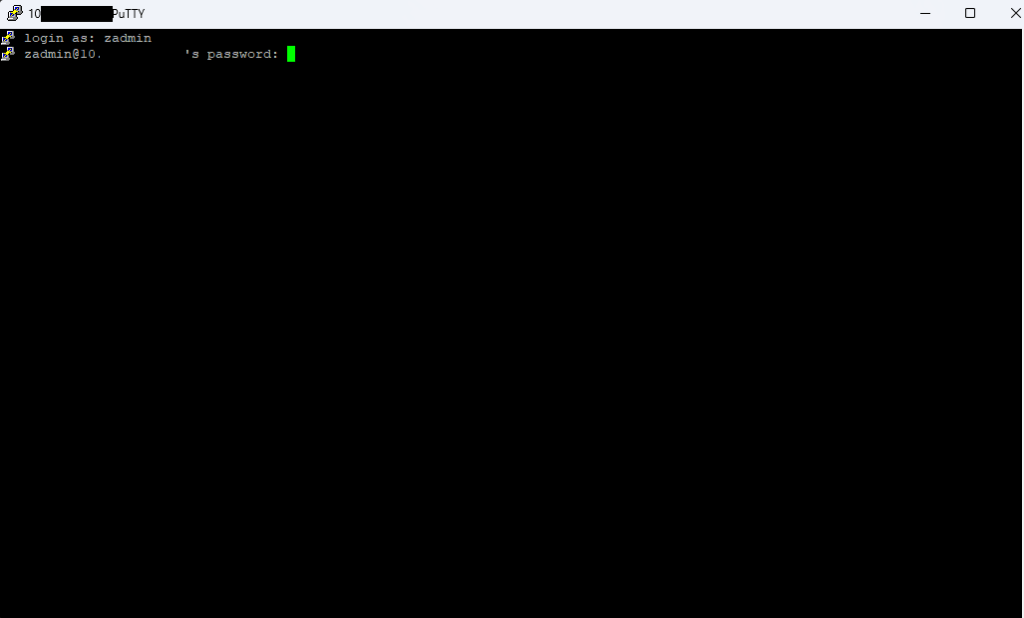
1. Connect to your Zerto 10 Appliance by SSH and login with zadmin credentials.
2. In Appliance Manager menu hit 0 and then Enter to enable Shell.
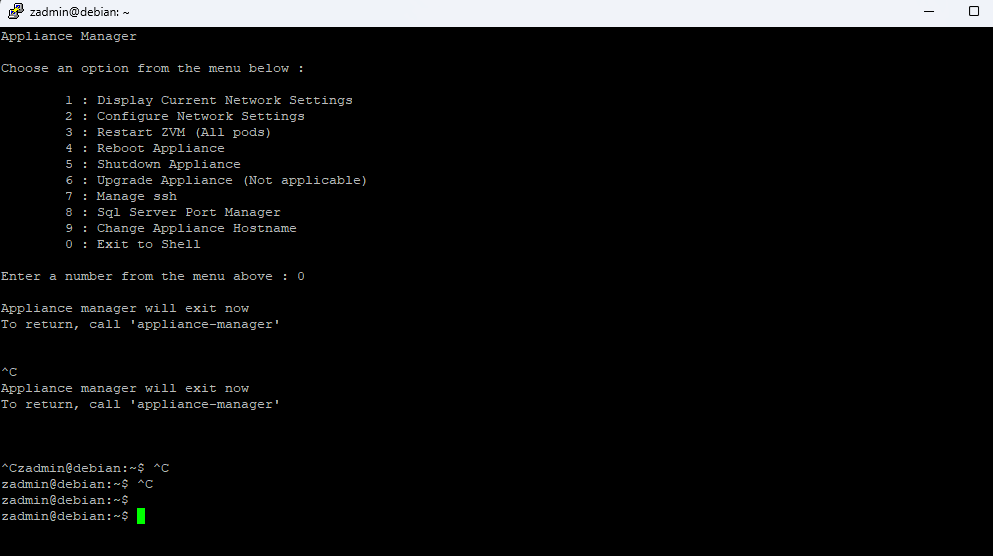
3. To remove the certificate that was uploaded to Keycloak, use the following command:
kubectl exec -i zkeycloak-0 -- /usr/bin/keytool -delete -alias adcert -keystore "/opt/keycloak/conf/certs/truststore.jks"
and hit Enter.
This command will prompt for the password. Use the same password that was used to import the certificate.


 vmcloud.pl
Leave a comment