ESXi is a powerful and versatile hypervisor that is widely used for virtualization in data centers. However, if you forget your root password, it can be a serious problem. Fortunately, there are several methods to reset the ESXi root password. In this article, I will walk you through step-by-step instructions on how to reset a... Continue Reading →
How to Reset vCenter Server Appliance Root Password
The root password is something that every server admin should keep in a well-secured vault or database, and believe me - a text file is not a good place. It would also be a good idea to remember the root password, but sometimes that's not easy. Passwords are usually very complex, containing about 15 or... Continue Reading →
How to Become vExpert: Everything You Should Know
I'm the vExpert! Yes, I can finally say that, I was awarded the VMware vExpert title for the first time. The first star in the collection, certainly not the last. I am very proud of this achievement and would like to thank VMware and vCommunity for inviting me to such a great community. Being recognized... Continue Reading →
What is a vCLS Virtual Machine and How to Troubleshoot It
vCLS VMs (vSphere Cluster Services Virtual Machines) are a new feature introduced in VMware vSphere 7.0 Update 1. vCLS VMs are a critical part of the new vSphere Cluster Services functionality, which provides an infrastructure service that ensures the availability of critical vSphere cluster services. vCLS VMs are lightweight virtual machines that are deployed on... Continue Reading →
Ansible Playbook: Patching ESXi Host
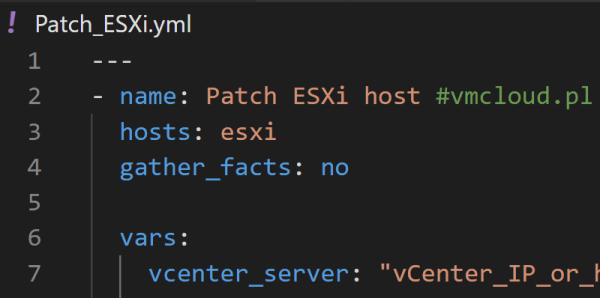
Ansible is a powerful automation tool that allows you to execute multiple tasks within one playbook. With Ansible, you can automate a wide range of tasks, from configuration management to application deployment, and more. Its ease of use and flexibility make it a popular choice for automating IT infrastructure. As you continue to learn Ansible,... Continue Reading →
PowerCLI 13.1 Release: New Features and Improvements
VMware has recently released PowerCLI 13.1, the latest version of their popular PowerShell-based automation tool for managing vSphere environments. This release includes a number of highly requested features, as well as improvements to existing modules. You can download PowerCLI 13.1 here. PowerCLI 13.1 in PowerShell Gallery. New Features and Improvements Modules for SRM and vSphere... Continue Reading →
Benefits for My Career After VMware Explore 2022
As an IT professional, attending conferences and events is an essential part of my career growth. These events provide opportunities to learn about the latest technologies, network with other professionals in the industry, and gain insights into industry trends. One such event that has had a significant impact on my career is the VMware Explore... Continue Reading →
How to Configure Shared Storage for ESXi Hosts in Home Lab
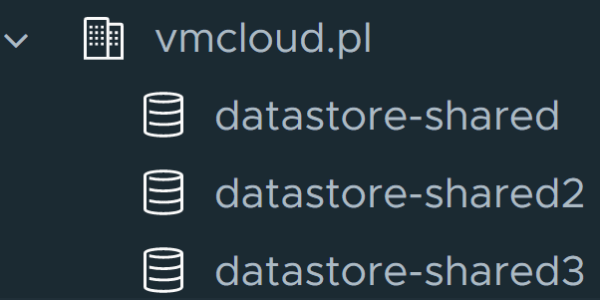
If you're using vCenter with multiple ESXi hosts in your home lab, it's a good idea to set up shared storage. This allows you to test many features such as vMotion, vSphere HA or DRS. Shared storage is desirable in almost every vSphere infrastructure. Without it, some key virtualization features will not be available. There... Continue Reading →
PowerCLI Script: VM Info Report
Managing a large environment with hundreds or even thousands of virtual machines is a big challenge. Checking something manually on dozens of VMs is very time consuming. That's when scripts and automation come in handy. In this article I will show you a script that will generate a report containing information about all virtual machines... Continue Reading →
How to Deploy vCenter 8.0
vCenter Server 8.0 is another component of the new vSphere 8 released in late 2022. Since I already have ESXi 8.0 deployed, it's time to deploy the new vCenter in my home lab. If you already have vCenter 7.0 installed, you can upgrade to vCenter 8.0 using the following guide: How to upgrade vCenter Server Appliance... Continue Reading →