How to Backup vCenter Server

vCenter Server is a critical component of VMware virtual infrastructure that centralizes the management of virtualized resources. It allows administrators to efficiently manage and monitor virtual machines, hosts, and data centers. As with any important system, it is crucial to have a backup of your vCenter Server. In this article, I will show you how... Continue Reading →

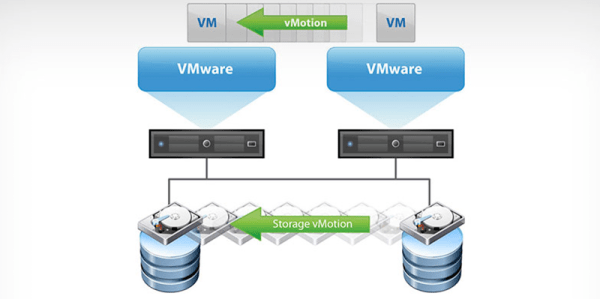
How to Configure vMotion in VMware vSphere

VMware vMotion is a powerful feature that enables seamless live migration of virtual machines (VMs) between hosts in a VMware vSphere environment. It allows administrators to perform maintenance, load balancing, and resource optimization without any disruption to the running VMs. In this article, we will walk you through the process of configuring vMotion in VMware... Continue Reading →

How to Prepare for the VCP Exam

Obtaining the VMware Certified Professional (VCP) certification is an excellent way to prove your knowledge in the field of virtualization technologies and accelerate your career in the IT industry. The VCP exam assesses your knowledge of VMware products, virtualization concepts, and practical skills. As I have already passed 3 VCP exams, I would like to... Continue Reading →

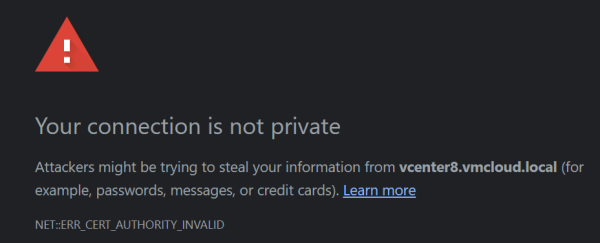
How to Install vCenter Server Root Certificate. Fix Browser Security Warnings and Datastore Files Upload/Download Issues

If you are a VMware administrator, manage vCenter and log in there on a daily basis, you are probably fed up with the browser security warning error. But you may also run into issues downloading/uploading files to your datastore with vCenter. In this article, I will show you how to install vCenter server root certificate... Continue Reading →

How to Reset ESXi Root Password

ESXi is a powerful and versatile hypervisor that is widely used for virtualization in data centers. However, if you forget your root password, it can be a serious problem. Fortunately, there are several methods to reset the ESXi root password. In this article, I will walk you through step-by-step instructions on how to reset a... Continue Reading →

How to Reset vCenter Server Appliance Root Password

The root password is something that every server admin should keep in a well-secured vault or database, and believe me - a text file is not a good place. It would also be a good idea to remember the root password, but sometimes that's not easy. Passwords are usually very complex, containing about 15 or... Continue Reading →

How to Become vExpert: Everything You Should Know

I'm the vExpert! Yes, I can finally say that, I was awarded the VMware vExpert title for the first time. The first star in the collection, certainly not the last. I am very proud of this achievement and would like to thank VMware and vCommunity for inviting me to such a great community. Being recognized... Continue Reading →

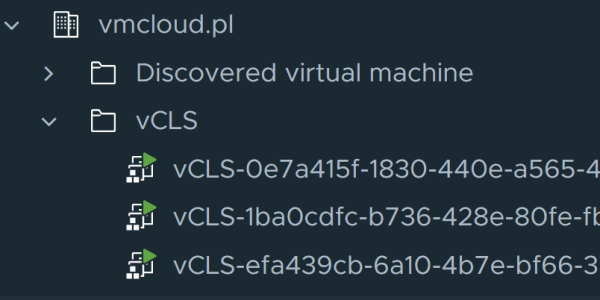
What is a vCLS Virtual Machine and How to Troubleshoot It

vCLS VMs (vSphere Cluster Services Virtual Machines) are a new feature introduced in VMware vSphere 7.0 Update 1. vCLS VMs are a critical part of the new vSphere Cluster Services functionality, which provides an infrastructure service that ensures the availability of critical vSphere cluster services. vCLS VMs are lightweight virtual machines that are deployed on... Continue Reading →

Ansible Playbook: Patching ESXi Host

Ansible is a powerful automation tool that allows you to execute multiple tasks within one playbook. With Ansible, you can automate a wide range of tasks, from configuration management to application deployment, and more. Its ease of use and flexibility make it a popular choice for automating IT infrastructure. As you continue to learn Ansible,... Continue Reading →

PowerCLI 13.1 Release: New Features and Improvements

VMware has recently released PowerCLI 13.1, the latest version of their popular PowerShell-based automation tool for managing vSphere environments. This release includes a number of highly requested features, as well as improvements to existing modules. You can download PowerCLI 13.1 here. PowerCLI 13.1 in PowerShell Gallery. New Features and Improvements Modules for SRM and vSphere... Continue Reading →

Create a website or blog at WordPress.com

Up ↑