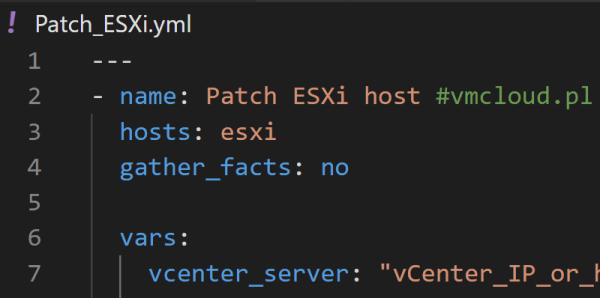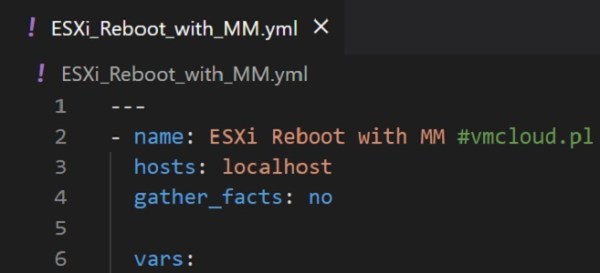
Ansible is a powerful automation tool that allows you to execute multiple tasks within one playbook. With Ansible, you can automate a wide range of tasks, from configuration management to application deployment, and more. Its ease of use and flexibility make it a popular choice for automating IT infrastructure. As you continue to learn Ansible,... Continue Reading →
PowerCLI 13.1 Release: New Features and Improvements
VMware has recently released PowerCLI 13.1, the latest version of their popular PowerShell-based automation tool for managing vSphere environments. This release includes a number of highly requested features, as well as improvements to existing modules. You can download PowerCLI 13.1 here. PowerCLI 13.1 in PowerShell Gallery. New Features and Improvements Modules for SRM and vSphere... Continue Reading →
Benefits for My Career After VMware Explore 2022
As an IT professional, attending conferences and events is an essential part of my career growth. These events provide opportunities to learn about the latest technologies, network with other professionals in the industry, and gain insights into industry trends. One such event that has had a significant impact on my career is the VMware Explore... Continue Reading →
How to Configure Shared Storage for ESXi Hosts in Home Lab
If you're using vCenter with multiple ESXi hosts in your home lab, it's a good idea to set up shared storage. This allows you to test many features such as vMotion, vSphere HA or DRS. Shared storage is desirable in almost every vSphere infrastructure. Without it, some key virtualization features will not be available. There... Continue Reading →
PowerCLI Script: VM Info Report
Managing a large environment with hundreds or even thousands of virtual machines is a big challenge. Checking something manually on dozens of VMs is very time consuming. That's when scripts and automation come in handy. In this article I will show you a script that will generate a report containing information about all virtual machines... Continue Reading →
How to Deploy vCenter 8.0
vCenter Server 8.0 is another component of the new vSphere 8 released in late 2022. Since I already have ESXi 8.0 deployed, it's time to deploy the new vCenter in my home lab. If you already have vCenter 7.0 installed, you can upgrade to vCenter 8.0 using the following guide: How to upgrade vCenter Server Appliance... Continue Reading →
How to Deploy ESXi 8.0
VMware vSphere 8.0 was released in late 2022 along with VMware ESXi 8.0 and VMware vCenter Server 8.0. All this comes with lots of new features, improvements and a brand new GUI look. In this article, I will show you step by step how to install ESXi 8. Prerequisites License and ISO VMware provides a... Continue Reading →
Ansible Playbook: ESXi Maintenance Mode and Reboot
In Ansible, you can run multiple tasks by grouping them under a single play. A play is a collection of tasks that target a specific set of hosts and are executed in order. In this article I would like to share couple of my Ansible Playbooks for ESXi Maintenance and Reboot. All Ansible Playbooks used... Continue Reading →
What is Ansible Inventory and How to Add ESXi
Ansible Inventory is a hosts file which contains every server that is managed by Ansible. Inventory file is located in /etc/ansible/hosts on your Ansible VM. Once you add server in hosts file, you need also to establish an SSH connection using SSH key. In this article I will show you how to add servers to... Continue Reading →
How to Deploy Ansible to Manage VMware Infrastructure
Managing a virtual infrastructure can be a challenging task, especially when you have a large number of virtual machines or ESXi hosts to manage. In order to manage these virtual machines, you need a tool that can automate the process and provide you with a single interface to manage all of your virtual machines. This... Continue Reading →