
If you’re planning to attend VMware Explore for the first time, you’re probably wondering what to expect and how to make the most of the experience.
Having attended VMware Explore myself, I know how overwhelming it can feel at first. With thousands of attendees, hundreds of sessions, Hands-on Labs, certification opportunities, vendor booths, and networking events, it’s easy to miss valuable opportunities if you arrive without a plan.
That’s exactly why I created a comprehensive VMware Explore Guide based on my own experience.
Why VMware Explore Is Worth Attending
VMware Explore is one of the largest infrastructure and cloud technology conferences in the industry. It brings together:
- VMware experts and product teams
- Infrastructure and virtualization engineers
- Cloud architects
- Security professionals
- Technology partners and vendors
- IT leaders from organizations around the world
Whether you’re focused on VMware vSphere, Cloud Foundation, NSX, Aria, Kubernetes, Disaster Recovery, Cyber Recovery, or Multi-Cloud, there is something for everyone.
Traveling
When traveling to the United States from Europe or other parts of the world, there are several important things to keep in mind before your trip.
First and foremost, make sure you have the appropriate travel authorization, whether that is a visa or an ESTA. While this may seem obvious, it is worth double-checking that all required documents are valid and readily accessible. I also recommend carrying printed copies of your hotel reservations, return flight itinerary, and any other important travel confirmations, even if digital versions are available on your phone.
Another aspect that often surprises first-time travelers is the process of connecting flights within the United States.
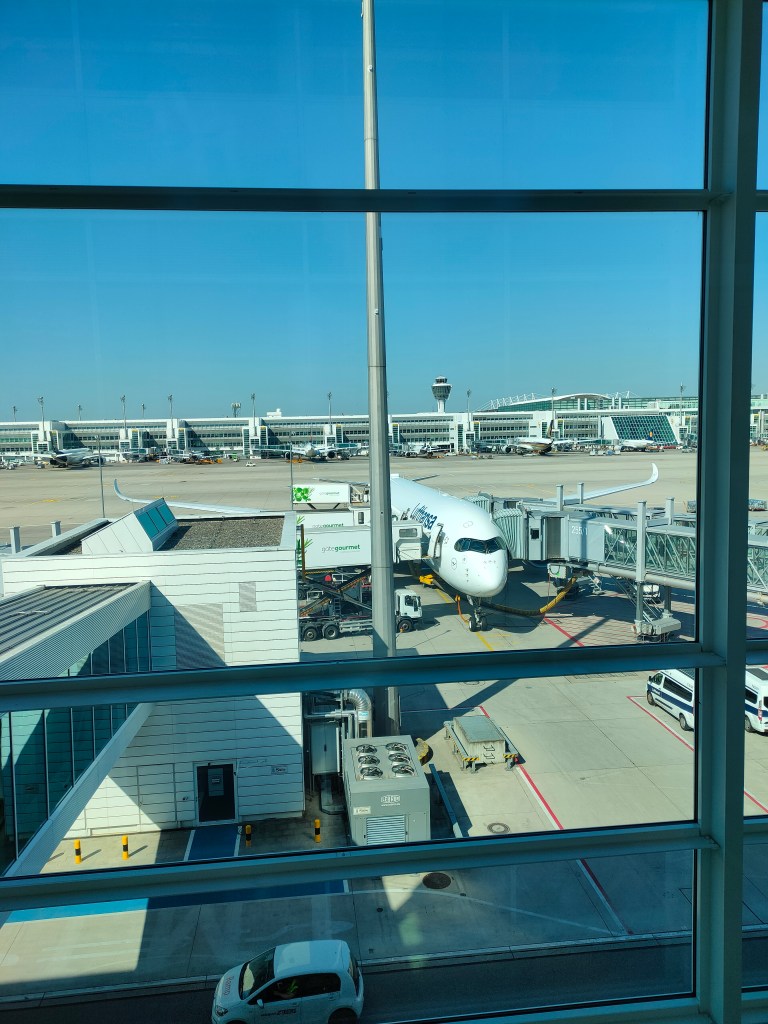
Unlike many international connections in Europe, arriving in the U.S. often requires additional procedures, even if you are only transiting to another destination. My journey started in Warsaw and included connections in Munich and Denver before reaching Las Vegas. At Munich Airport, I was required to go through an additional security screening because I was traveling to the United States.
The more significant process took place in Denver, where I transferred from an international flight to a domestic flight. After landing, I first went through U.S. immigration and passport control. Once cleared, I had to collect my checked baggage and recheck it for the domestic portion of my journey. Fortunately, the recheck process was straightforward and only required dropping the baggage off at the designated transfer area. Afterward, I proceeded through airport security once again before heading to my departure gate for the flight to Las Vegas.
These additional steps can take a considerable amount of time, so it is important to factor them into your connection schedule. In my case, I had approximately 90 minutes for each connection, which proved sufficient. However, I would consider that the minimum recommended layover time, especially during busy travel periods when immigration and security lines may be longer than expected.
Interestingly, my return journey from the United States to Poland was much simpler. Since I was departing the U.S. rather than entering it, I did not encounter any additional immigration or security procedures beyond the standard airport screening. The connection process was similar to what most travelers are accustomed to in Europe—simply proceeding to the next gate for the onward flight.
While the process may seem more complex than traveling within Europe, being aware of these requirements in advance can help make your journey much smoother and less stressful.
Jet Lag
It is also worth considering jet lag, especially when traveling long distances such as from Europe to the United States. If possible, arriving a day or two early can be a good idea to allow your body time to adjust to the new time zone.
Events like VMware Explore are highly intensive, both mentally and physically. The schedule is packed with sessions, networking opportunities, Hands-on Labs, and meetings, which often results in long days and a significant amount of walking. Some attendees even share smartwatch data highlighting just how active and demanding the event can be, with many steps taken and relatively little sleep throughout the week.
Personally, after arriving in Las Vegas, I went to bed around 7:00 PM local time and woke up at 3:00 AM. By the following day, I already felt more adjusted, although full adaptation to the time difference varies from person to person.
Registration
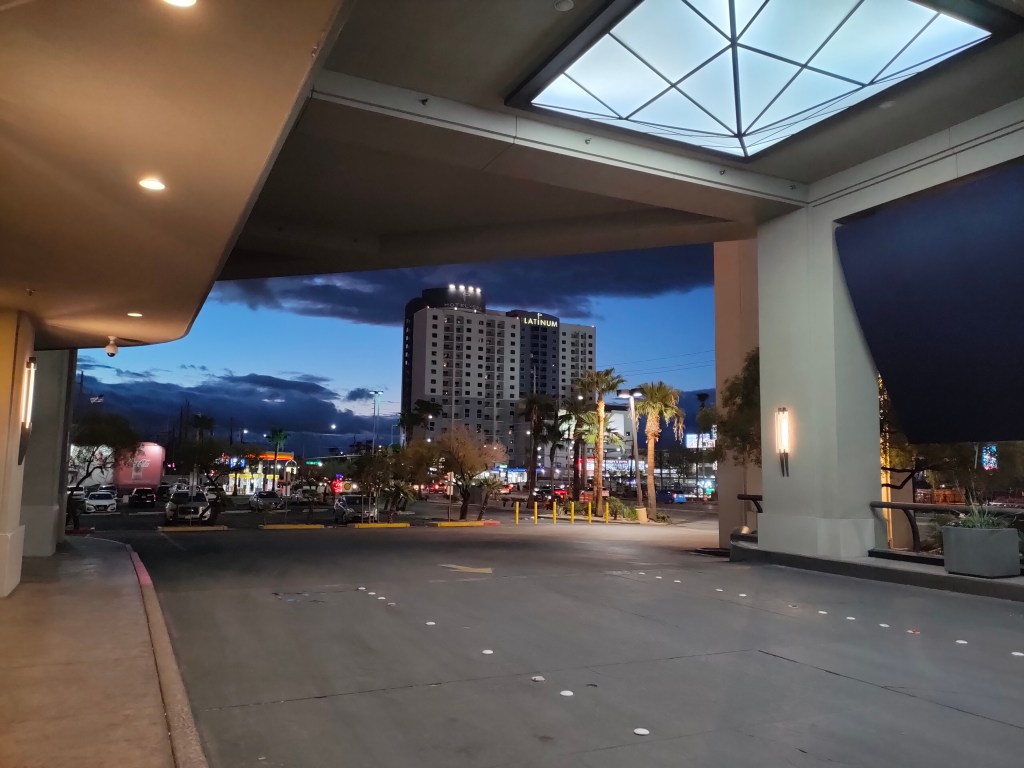
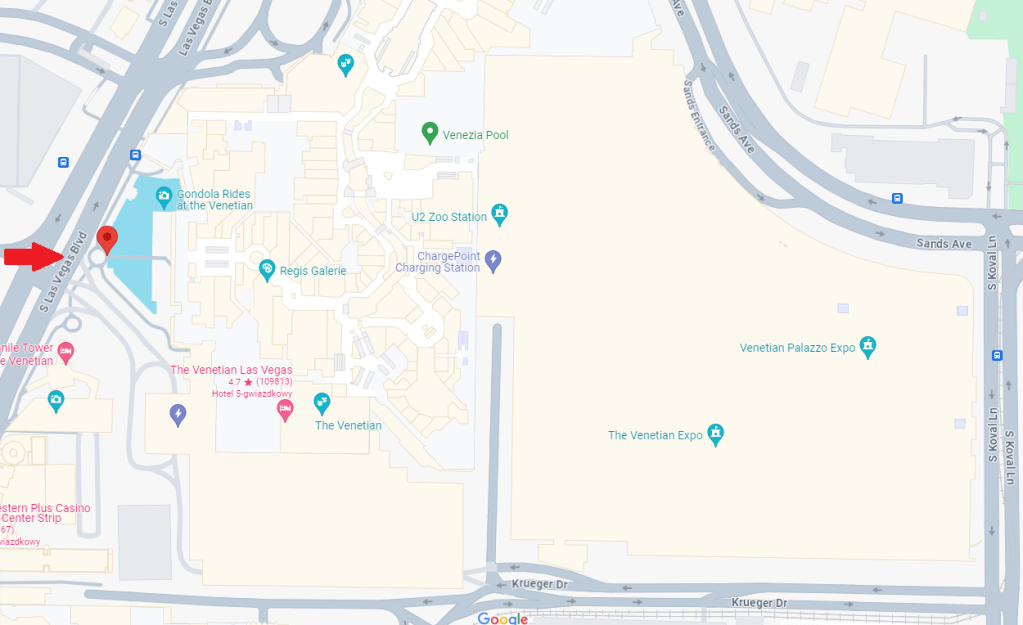
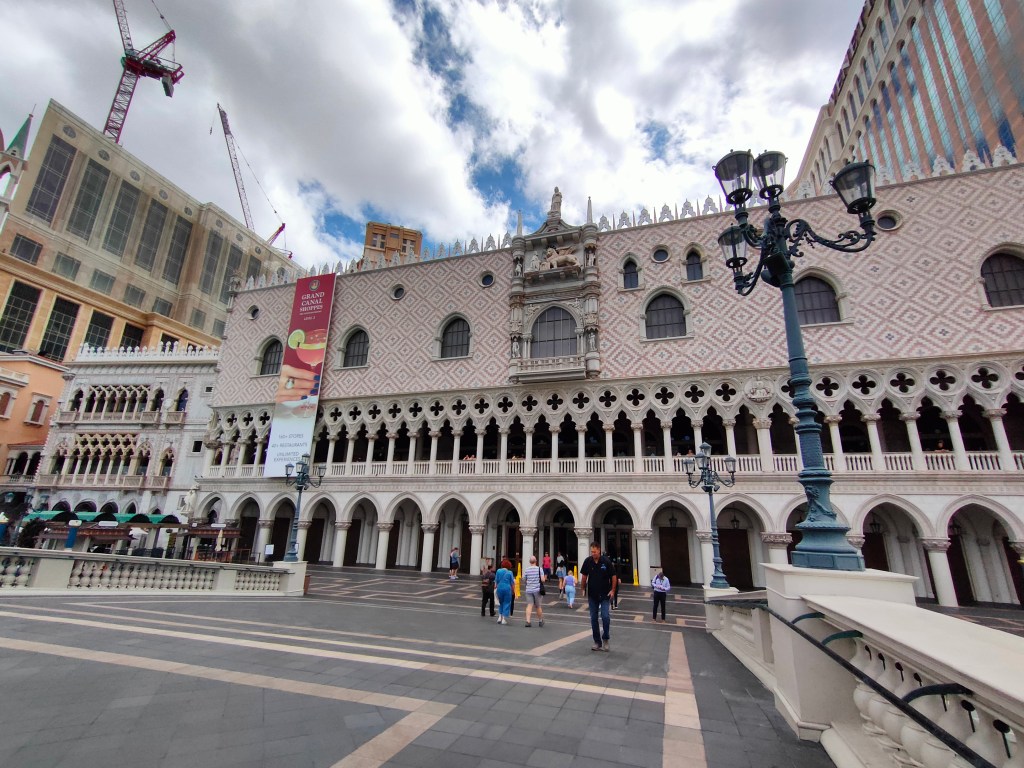
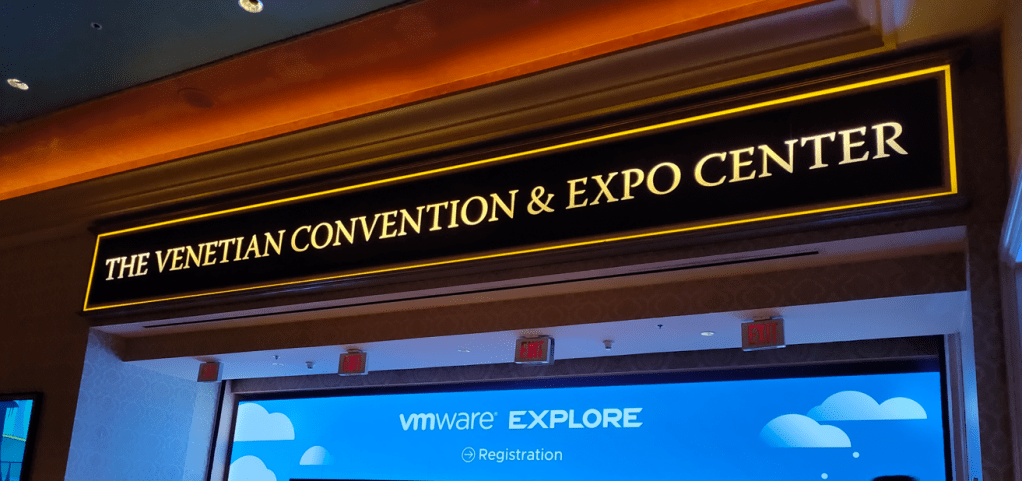
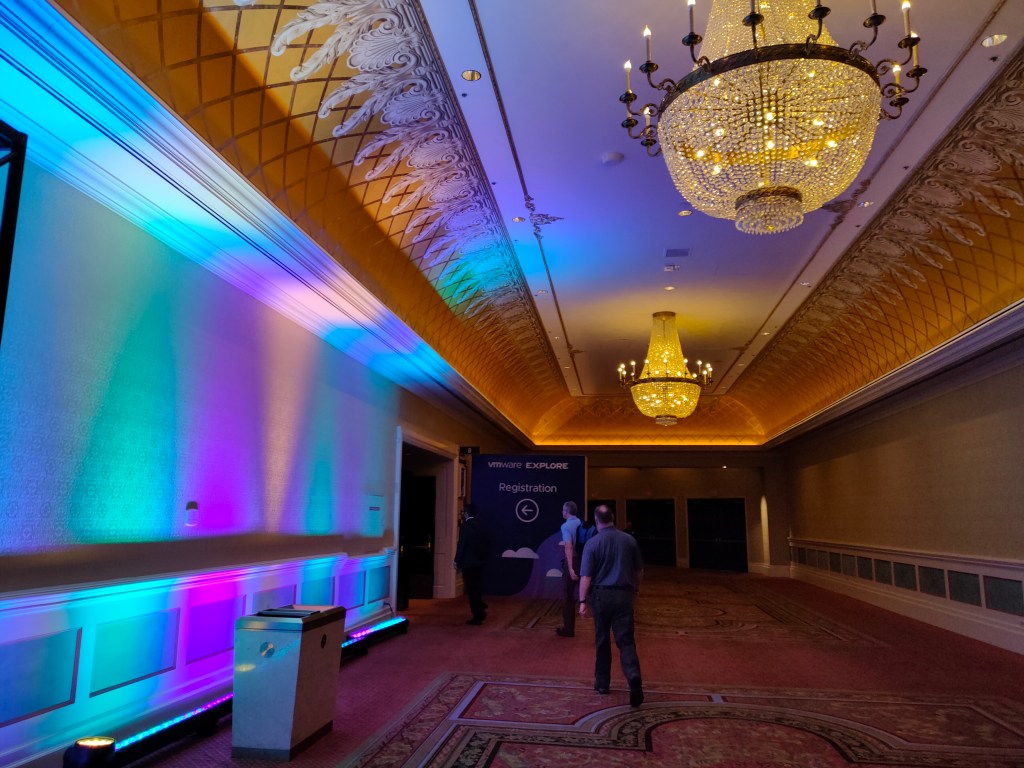
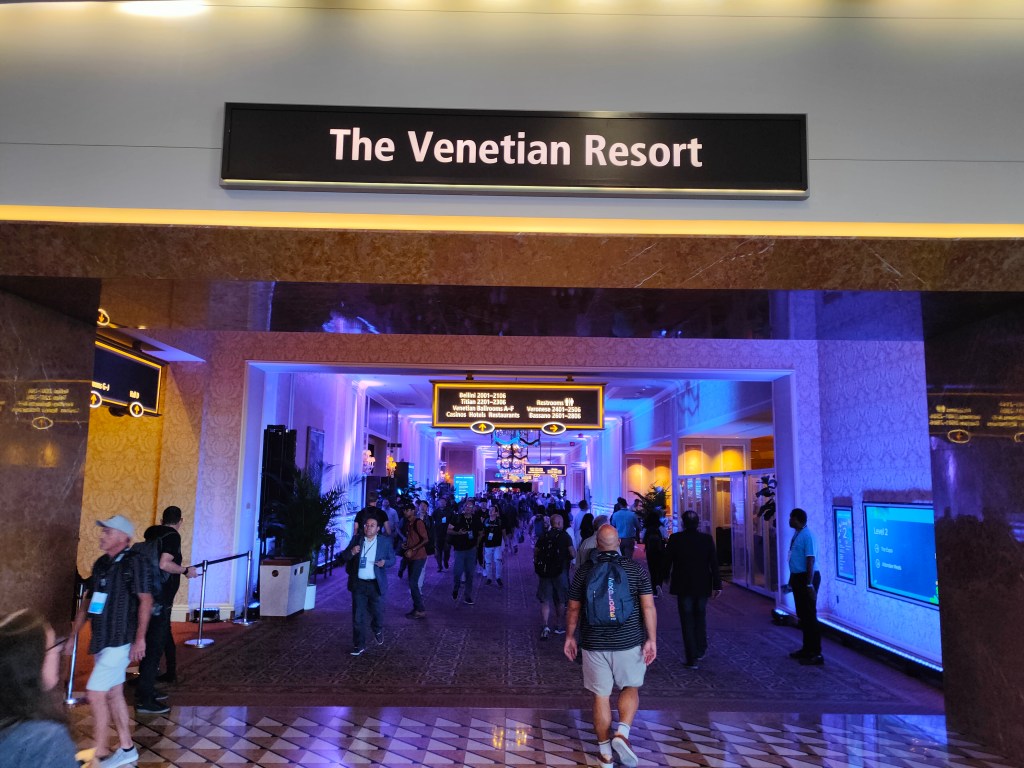
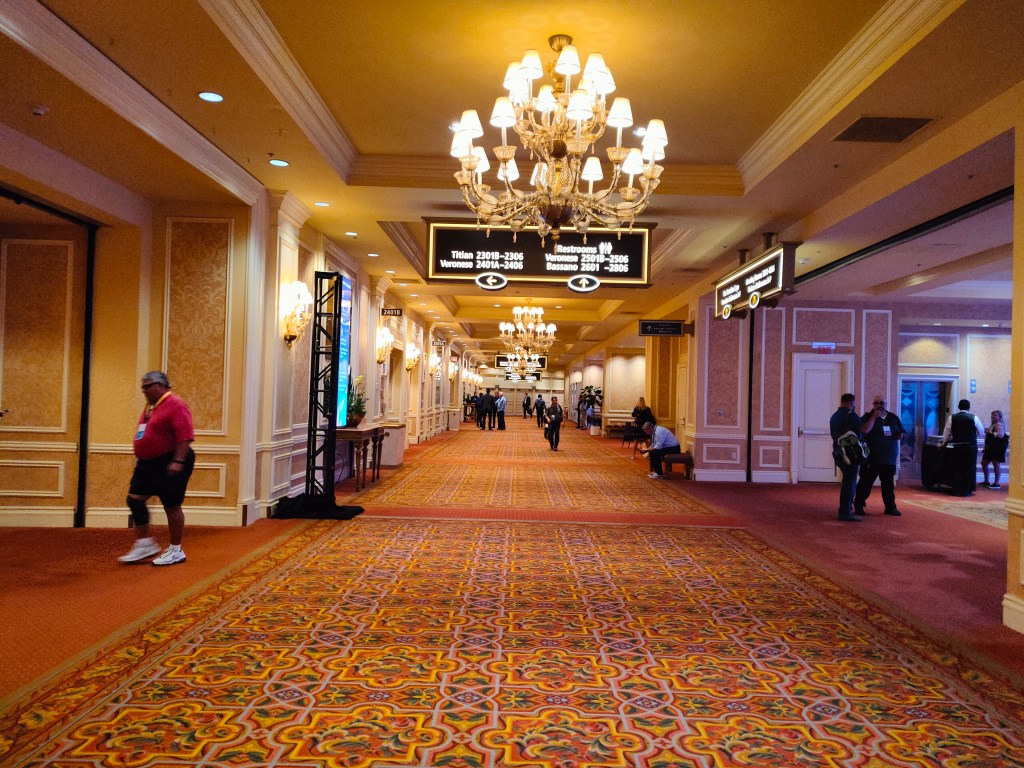
VMware Explore in Las Vegas takes place at The Venetian Convention and Expo Center. The entire complex—including the hotel, casino, and convention facilities—is extremely large, and it can take some time to navigate for the first time.
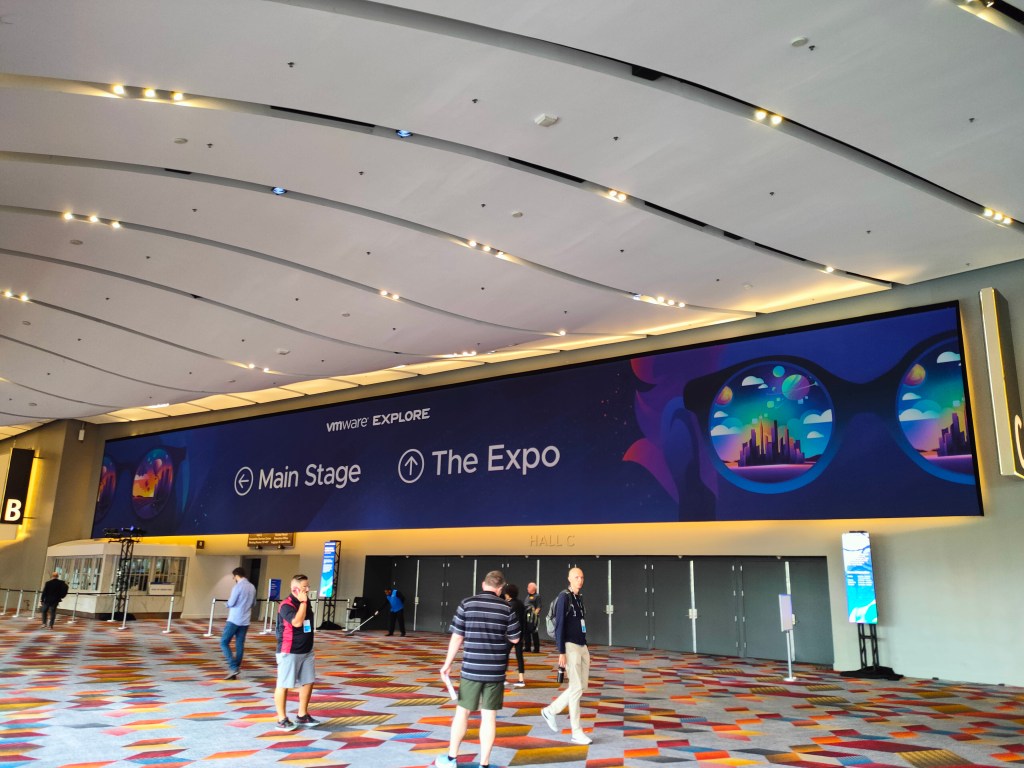
To reach the registration area, attendees typically pass through the casino entrance from Las Vegas Boulevard. From there, staff members are clearly positioned throughout the venue, guiding participants toward the Expo and registration areas for VMware Explore.
Training Sessions & Planning Your Day
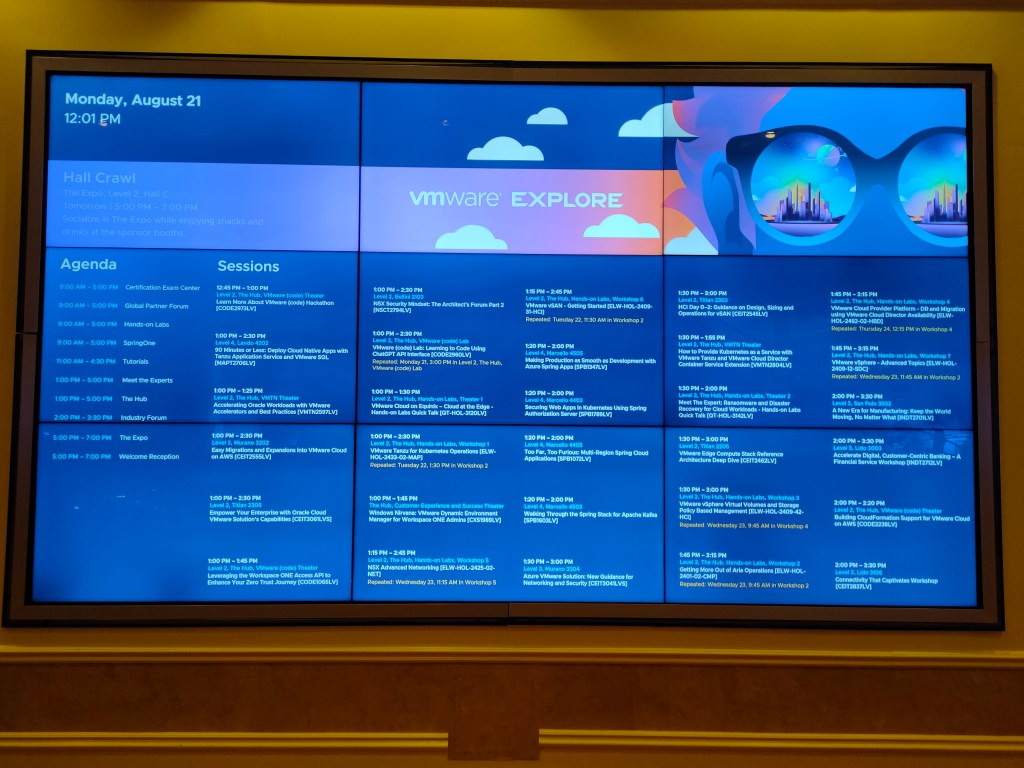
It is not possible to attend all training sessions during VMware Explore in Las Vegas, mainly due to overlapping schedules of sessions that may be of interest. In addition, sessions are spread across different floors of the venue, which makes planning even more important.
Each room has its own unique name and number, and the first digit typically indicates the floor where the session is taking place. As a result, careful planning of your daily agenda is essential to efficiently move between sessions and navigate the venue.
The VMware Explore mobile app is extremely helpful in this regard. Available on both iOS and Android, it provides detailed session information, locations, FAQs, and a personalized agenda to help you stay organized throughout the event.
Fortunately, most sessions are recorded, and attendees also retain access to Hands-on Labs after the event. This means that even if you miss a session, you can still review the content later at your own pace.
Here are some of my favorite sessions from the event:
- General Session
- Deliver DRaaS with VMware Cloud Director Availability [CEIB2294LV]
- Easy Migrations and Expansions into VMware Cloud on AWS [CEIT2555LV]
- VMware {code} Lab: Learning to Code Using CHATGPT API Interface [CODE2960LV]
- Availability and Resilience of Azure VMware Solution [CEIB2540LV]
- VMware Community Panel: Level Up Your Career Through Community Participation [VIB2959LV]
The Hub & Hands-on Labs
After completing registration, one of the best places to start your VMware Explore experience is The Hub. This central area brings together multiple sections designed to enhance your overall event experience, including VMware Communities, VMware Awards, Design with Us, Meet the Experts, and Customer Experience / Theater of Success.
Starting your journey at The Hub is a great way to get oriented and make the most of your time at the event.
I would especially recommend visiting the VMware Communities area if you are interested in learning more about the broader VMware ecosystem and how to become more involved in the community. It is also a great opportunity to learn more about the VMware vExpert program and how to apply.
This is also where you can meet community leaders such as Corey Romero, head of the vExpert program and VMware community initiatives. Engaging in conversations here can provide valuable insights into how the program works and what it takes to become part of it.
Overall, The Hub is one of the most valuable starting points at VMware Explore, and it is well worth allocating time there early in the event.
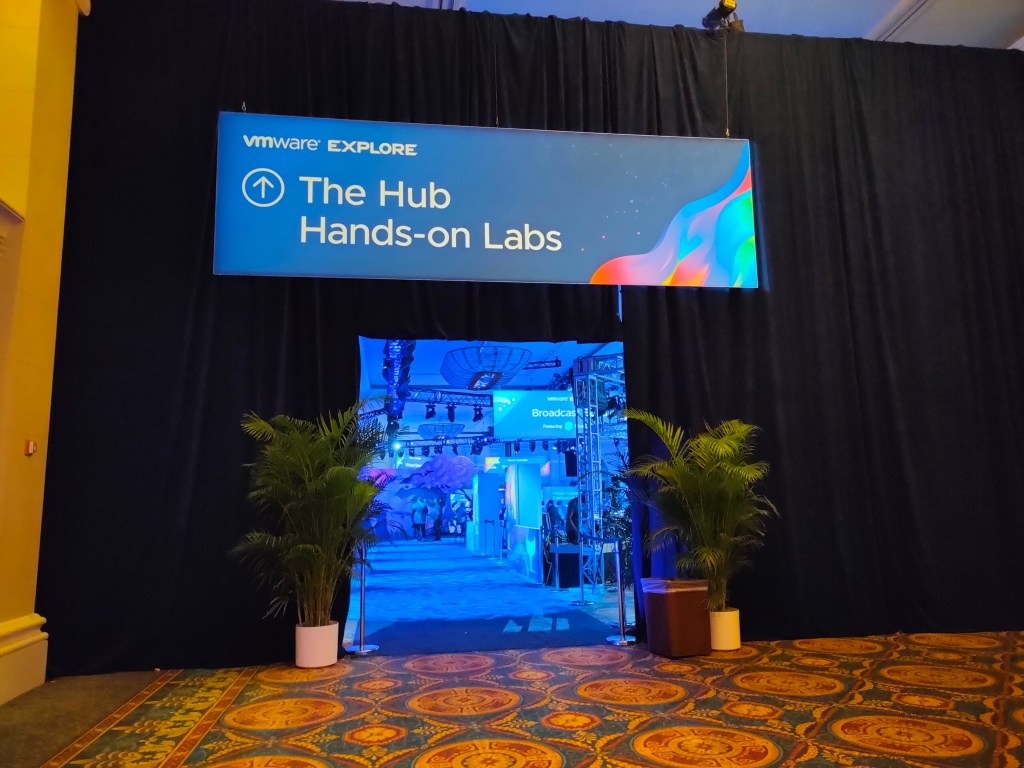
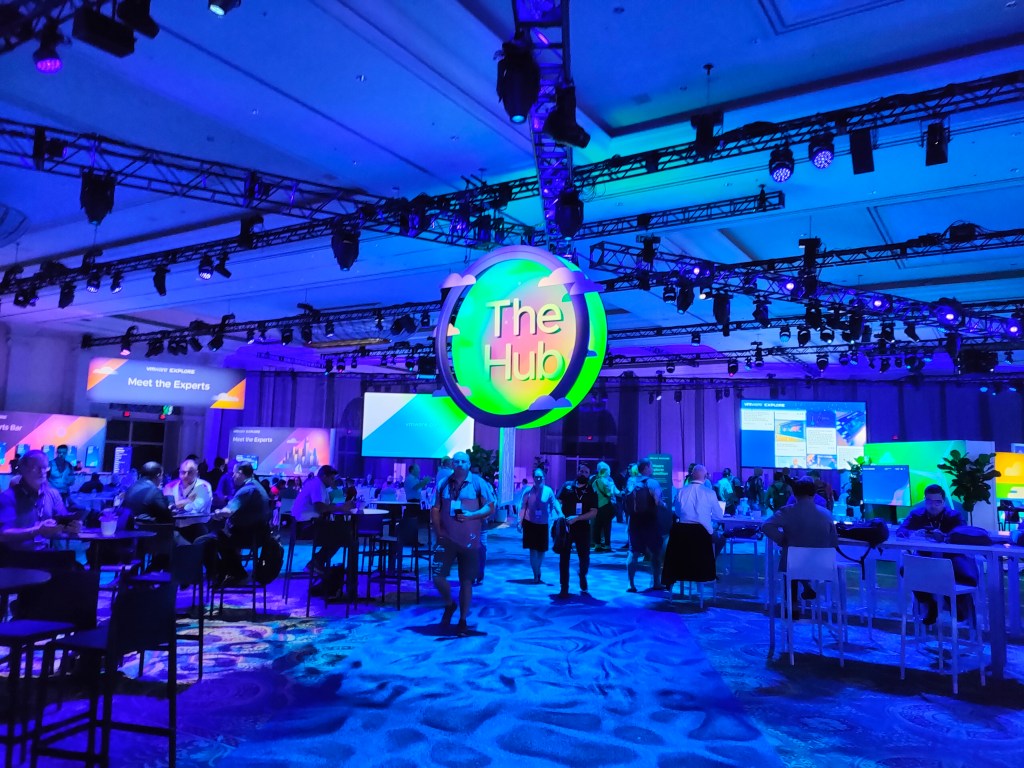
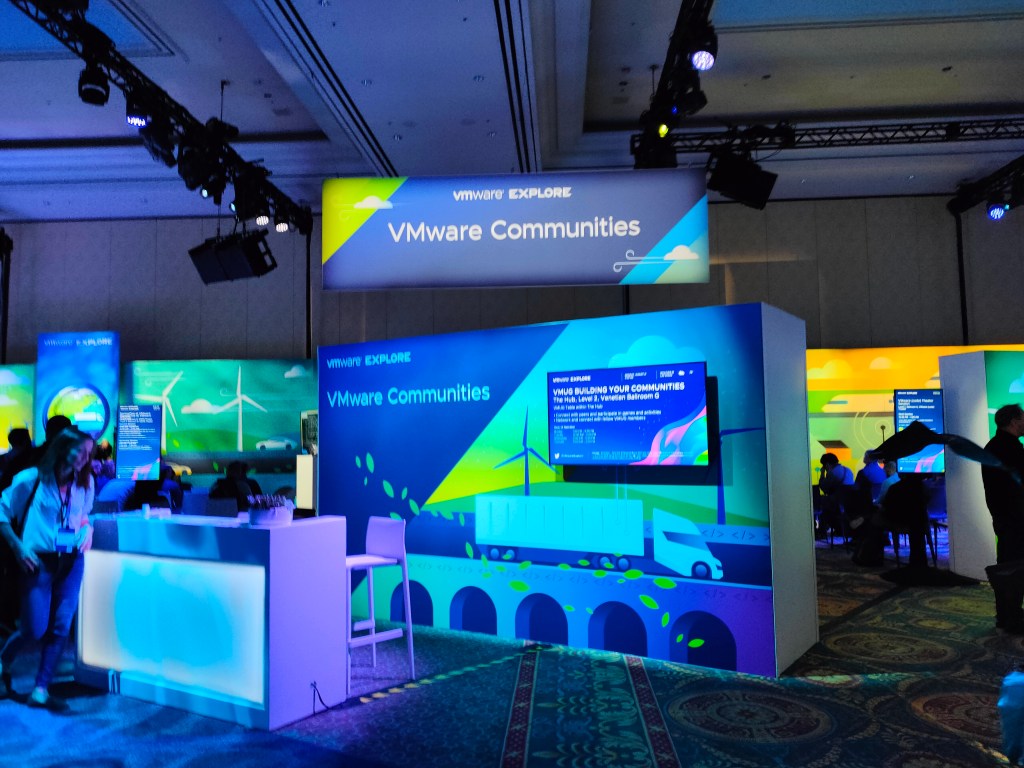
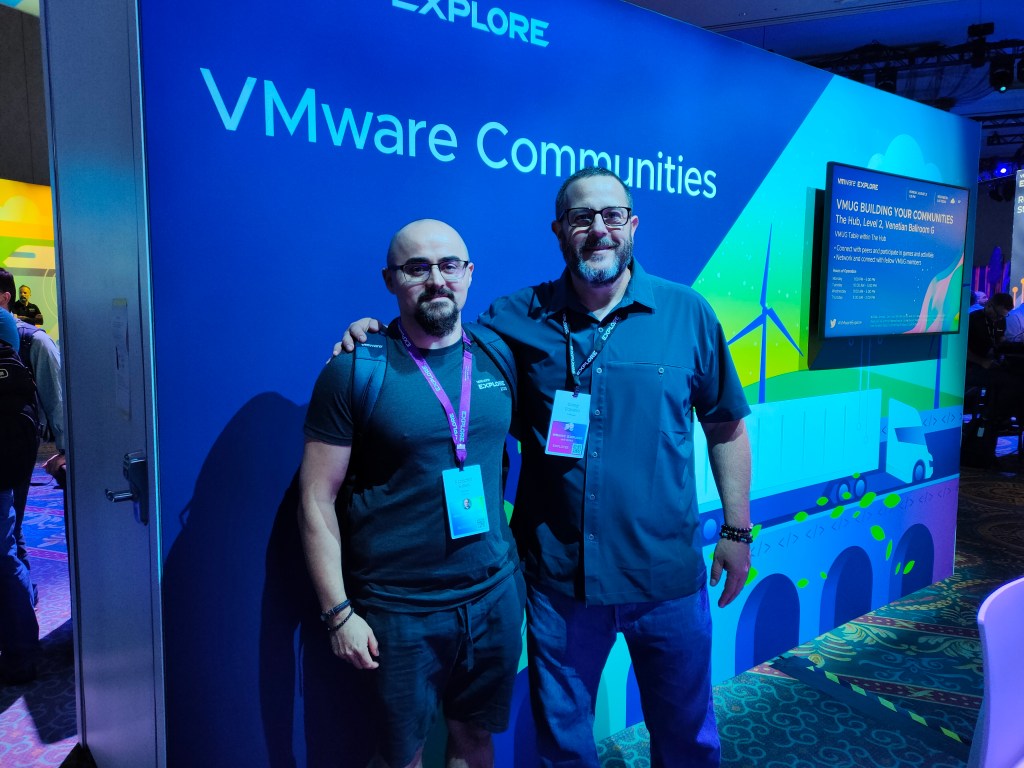
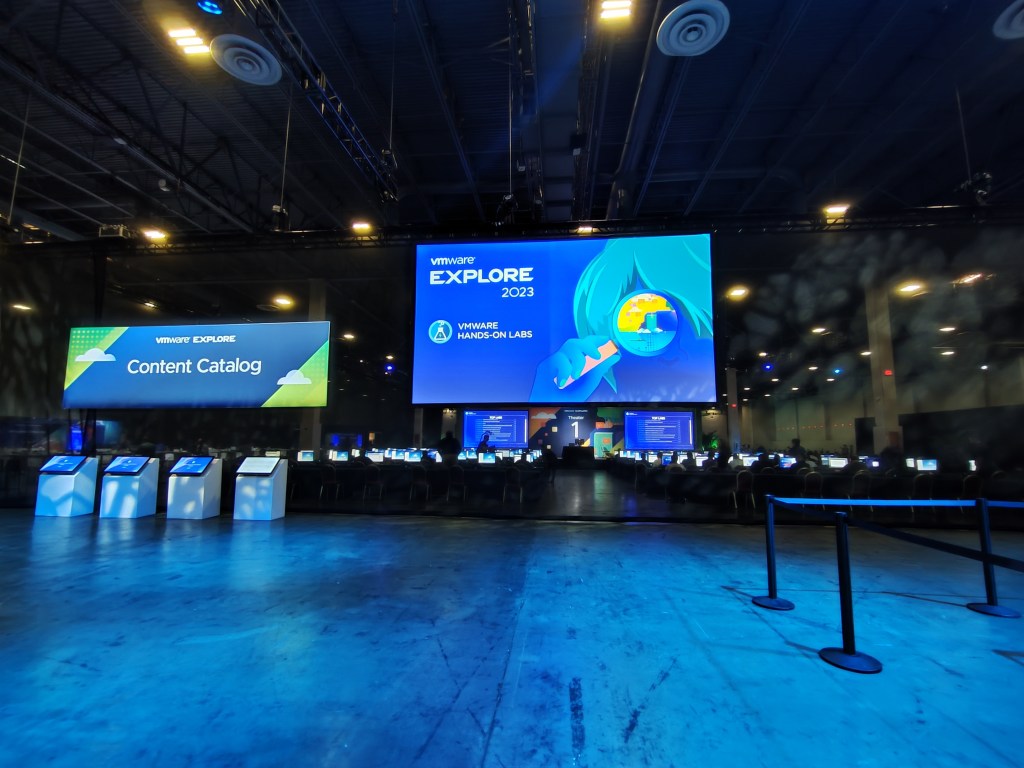
Right next to The Hub, you will find the Hands-on Labs area, where you can gain practical, hands-on experience with a wide range of configurations, scenarios, and troubleshooting exercises.
On-site lab staff are available throughout the event to provide guidance and support whenever needed, making it easier to get the most out of the sessions.
Hands-on Labs are one of the most valuable parts of VMware Explore, and I highly recommend taking full advantage of them to strengthen both your technical skills and practical understanding of the technologies being presented.
My favorite labs were:
- VMware Cloud Provider Platform – DR and Migration using VMware Cloud Director Availability (HOL-2482-02-HBD)
- VMware Site Recovery Manager – Data Center Migration and Disaster Recovery (HOL-2205-01-SDC)
What to wear
You should expect a significant amount of walking during VMware Explore, typically ranging from 10,000 to 15,000 steps per day or more, which is completely normal for this type of event. On my first day alone, I exceeded 20,000 steps, so it is worth being prepared for even higher activity levels.
Comfortable footwear is essential, especially given the warm weather in Las Vegas. The official dress code is Business Casual, so while formal attire is not required, it is best to choose something smart, comfortable, and suitable for high temperatures. Lightweight, breathable clothing and a hat can also be very helpful due to the strong sun.
Las Vegas is generally very sunny, although occasional exceptions do occur. For example, during previous VMware Explore events, there was some rain, which is uncommon in Las Vegas but still possible. While weather conditions are typically very sunny and hot, it is still worth being prepared for occasional exceptions.
I also strongly recommend bringing a backpack for daily use. It is useful for carrying essentials such as a laptop, charger, water, snacks, and other personal items. Additionally, it is a good idea to leave some extra space for materials or items you may collect during the event or while in Las Vegas.
At VMware Explore, attendees typically receive a conference backpack or swag bag during registration, but having your own backpack is still very practical for daily use throughout the event.
Transportation
During my stay in Las Vegas for VMware Explore, I primarily got around on foot. However, it is important to be mindful of the high temperatures, especially during the day. Staying hydrated, wearing a hat, and choosing lightweight clothing can make a significant difference when walking between venues.
For longer distances, including travel from the airport to the hotel and other parts of the city, I used Lyft, which is a widely available ride-hailing service in Las Vegas. Uber is also commonly used and easily accessible.
If you are staying at The Venetian, you will also benefit from the convenience of having many attractions, restaurants, and event spaces located within the same complex as VMware Explore. This significantly reduces the need for additional travel around the city, as most key locations are within walking distance.
Food
Breakfast and snacks are provided daily during VMware Explore in Las Vegas. You can expect a variety of standard options, with choices available to accommodate different dietary preferences. Coffee, tea, water, fruit, and additional snacks are also available at multiple locations throughout the venue.
This makes it easy to start your day by grabbing a coffee, light breakfast, or other refreshments before heading into sessions and activities. From day two through day four, lunch is also typically provided, with a range of options to suit different dietary needs.
Staying hydrated is especially important during the event. A reusable water bottle with a filter can be very useful—I personally found it extremely convenient. Throughout the venue and hotel areas, there are designated refill stations with access to clean, filtered water, making it easy to stay hydrated throughout the day.
Networking
During VMware Explore, there are numerous opportunities to build new connections. Participants are generally open to conversations and eager to share their experiences. Whether during training sessions, on the expo floor, or even during informal coffee breaks, it is easy to start discussions and connect with new people.
The overall atmosphere at VMware Explore is very positive and collaborative, often feeling like a large community of technology professionals coming together. While attendees come from different backgrounds and work with a variety of technologies, there is a strong shared interest in exchanging knowledge and learning from one another.
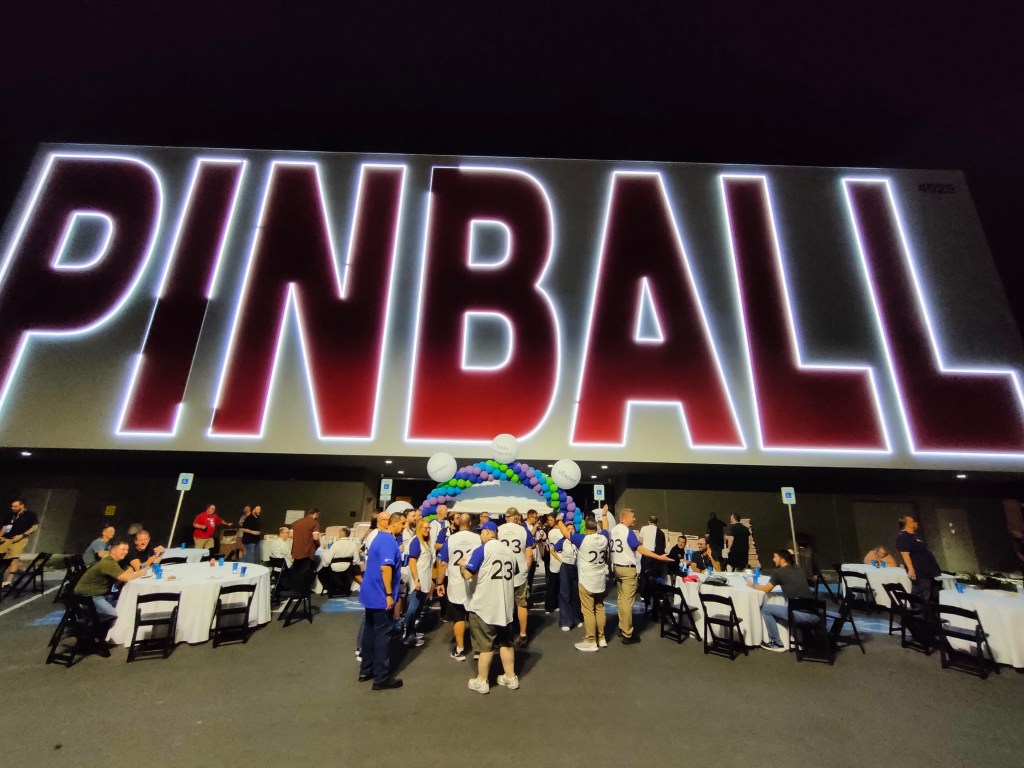
In addition, attendees are often invited to various evening receptions and networking events. Members of the VMware community may also receive invitations to community-focused gatherings organized alongside the event. These sessions provide excellent opportunities to meet new people, expand your network, and engage with professionals from across the industry.

Summary
To sum up, this was a truly memorable experience for me—my first trip to the United States and my participation in VMware Explore as a blogger. It was an opportunity to create unforgettable experiences, capture great memories, and take plenty of photographs along the way.
If you are considering attending VMware Explore in Las Vegas, I would strongly recommend it. It is a unique event that offers not only deep technical content but also an exceptional networking and community experience.
As the motto featured on the main image of this article says, “What happens here, only happens once a year,” which perfectly reflects the uniqueness of the event.
If you are ready for an unforgettable experience and are thinking about joining VMware Explore this year, remember that registration is now open.


Leave a Reply